
Download Mozilla Archive Format – Free MHT Viewer & Saver for Firefox
The Mozilla Archive Format (MAF) is a lightweight, free Firefox extension that brings back a piece of web history that many users thought was lost forever. Back in the early days of the internet, Internet Explorer was the dominant browser and it stored complete web pages as single MHT files. Those archives captured text, images, stylesheets, and even scripts in a compact package, but they could only be opened by IE.
If you’ve ever stumbled upon an old .mht file and wondered how to read it without firing up a legacy browser, MAF is the answer. By installing this secure tool, you can drag‑and‑drop MHT files directly into Firefox, where they render faithfully, preserving the original layout and functionality. Moreover, MAF lets you create new MHT archives from any web page you visit, offering a reliable “single‑file” backup method that is more convenient than Firefox’s built‑in “Save Page As” option.
Whether you are a researcher preserving historical web content, a developer testing legacy pages, or simply someone who wants to keep personal web clippings, Mozilla Archive Format provides a seamless, cross‑platform experience on Windows, macOS, and Linux. This review dives deep into its core features, installation steps, compatibility, pros and cons, and answers the most common questions, so you can decide if MAF is the right tool for your workflow.
Key Features of Mozilla Archive Format
- Native MHT Rendering: Open Internet Explorer
.mhtarchives directly in Firefox without converting them first. - One‑Click Save as MHT: Save any current webpage as a single MHT file using a toolbar button or context‑menu entry.
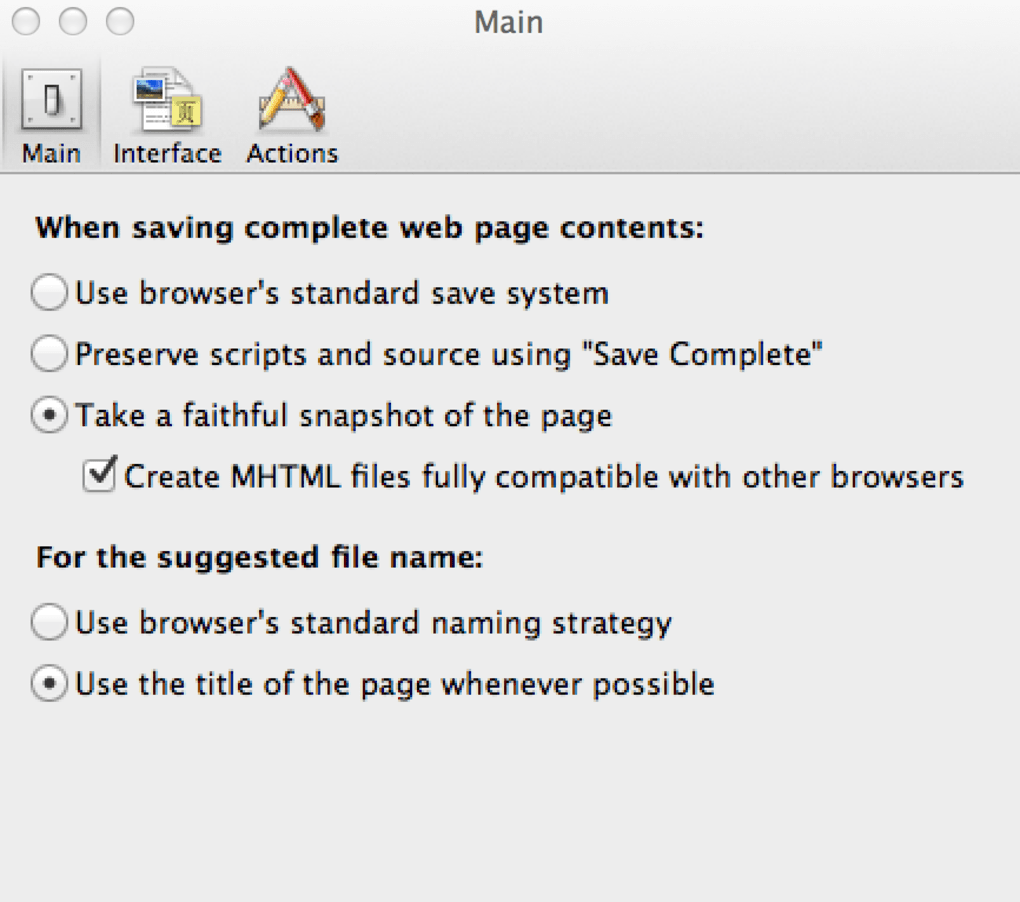
- Exact Save Mode: Preserve the original page layout, CSS, images, and scripts for a faithful reproduction.
- Title‑Based Filenames: Automatically name saved archives based on the page’s







